Managing Tutor Availability
Disabling Tutors for a Course
To temporarily disable the tutor/chatbot for a specific course:
-
Manage Chatbots: Go to your chatbot management settings
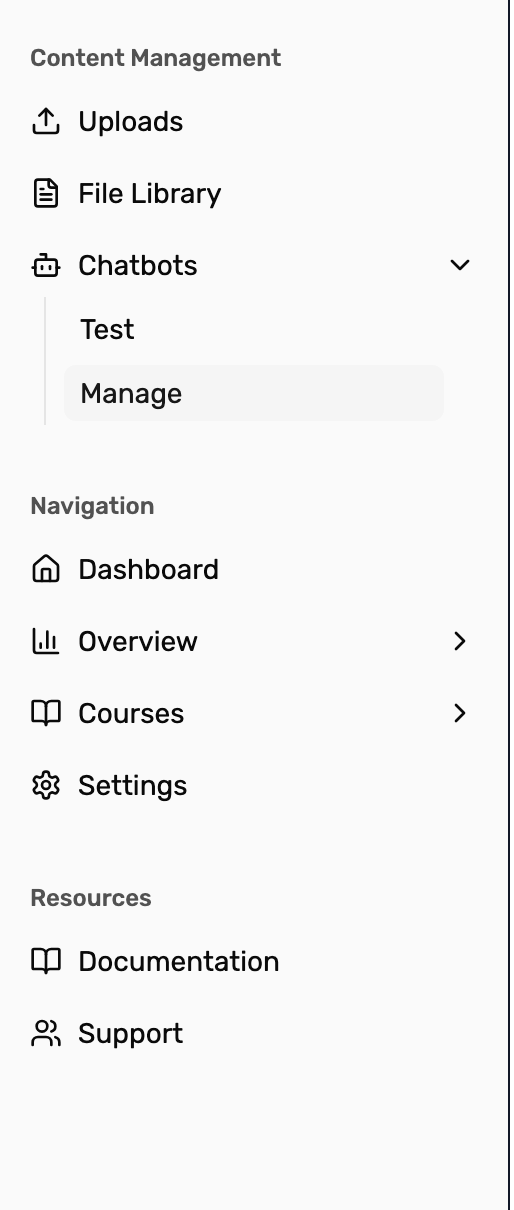
-
Find Your Course and Turn Off the Tutor: Locate the course you want to disable in the chatbot list and click the “Turn off” toggle next to the course
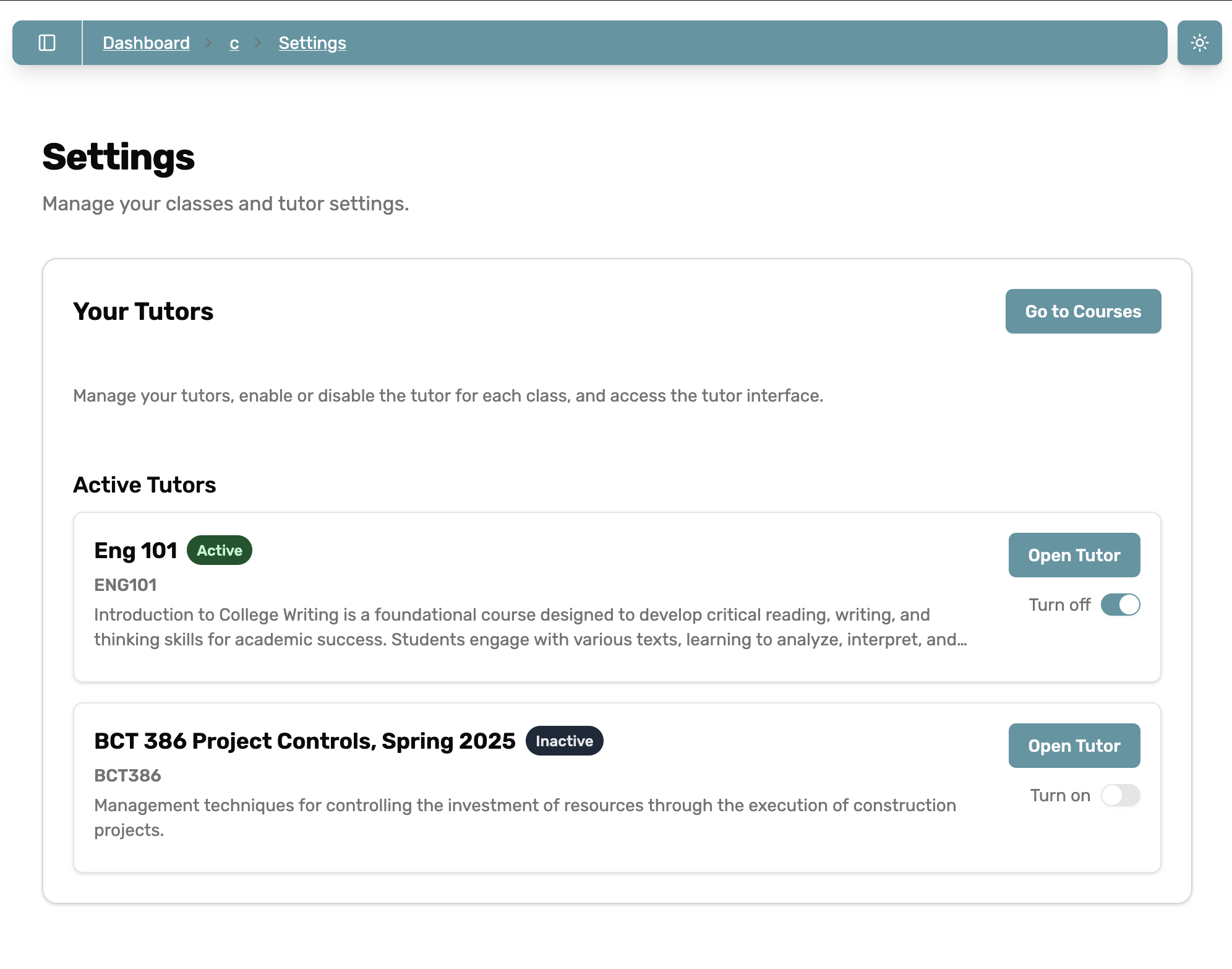
-
Student Experience: Once disabled, students will see an “Tutor Unavailable” message when they try to access the tutor for that course
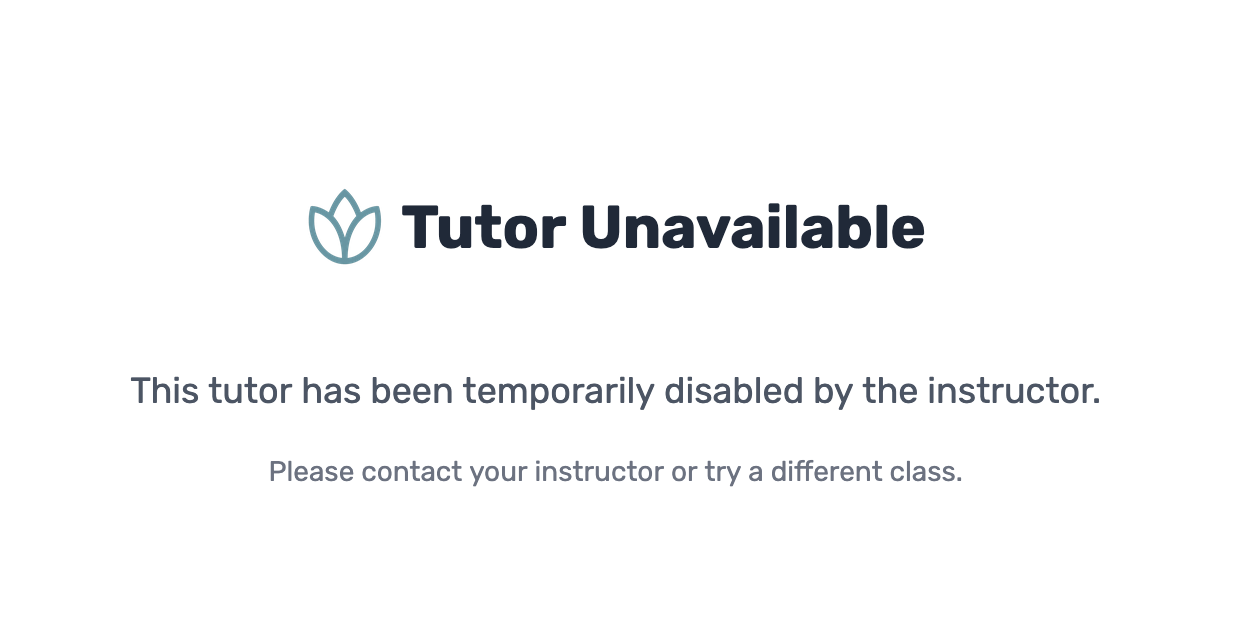
To turn the tutor back on, simply click the toggle to “Turn on”.
Last updated on