Chatbot Demo
Our intelligent chatbot uses instructor-uploaded documents to provide accurate, context-aware responses about class information. This powerful feature transforms static course materials into an interactive learning assistant.
How It Works
The chatbot analyzes and learns from documents that instructors upload to the platform, creating a comprehensive knowledge base for each class. This enables students to get instant, accurate answers about course content, assignments, and policies.
Learn more about uploading documents as an instructor: Instructor Help - Uploads
Demo Example: NASA Planetary Budget Reduction
Let’s walk through a real example of how the chatbot processes and utilizes instructor documents.
Step 1: Document Upload and Processing
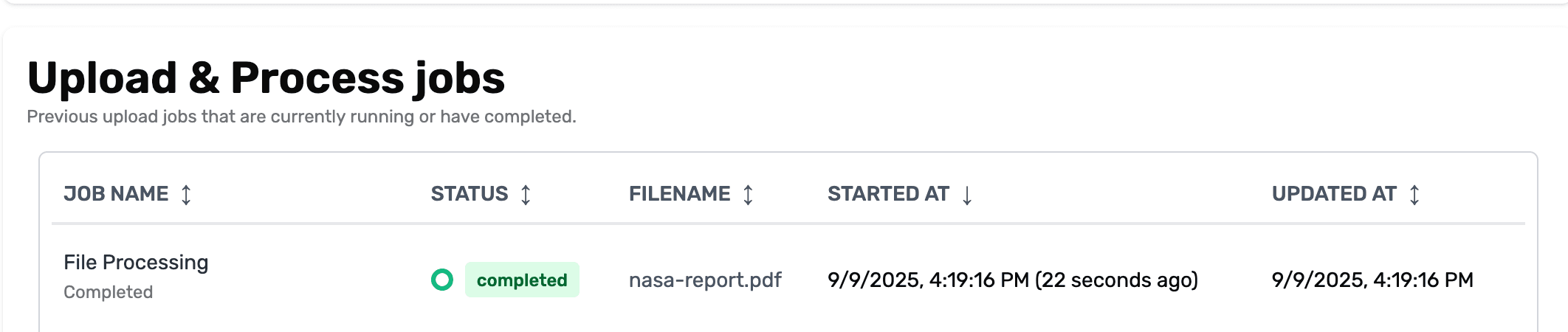
In this example, an instructor uploads a PDF document containing information about NASA’s planetary budget reduction. Let’s say, this document contains crucial course material that students will need to reference throughout the semester.
The Source Document
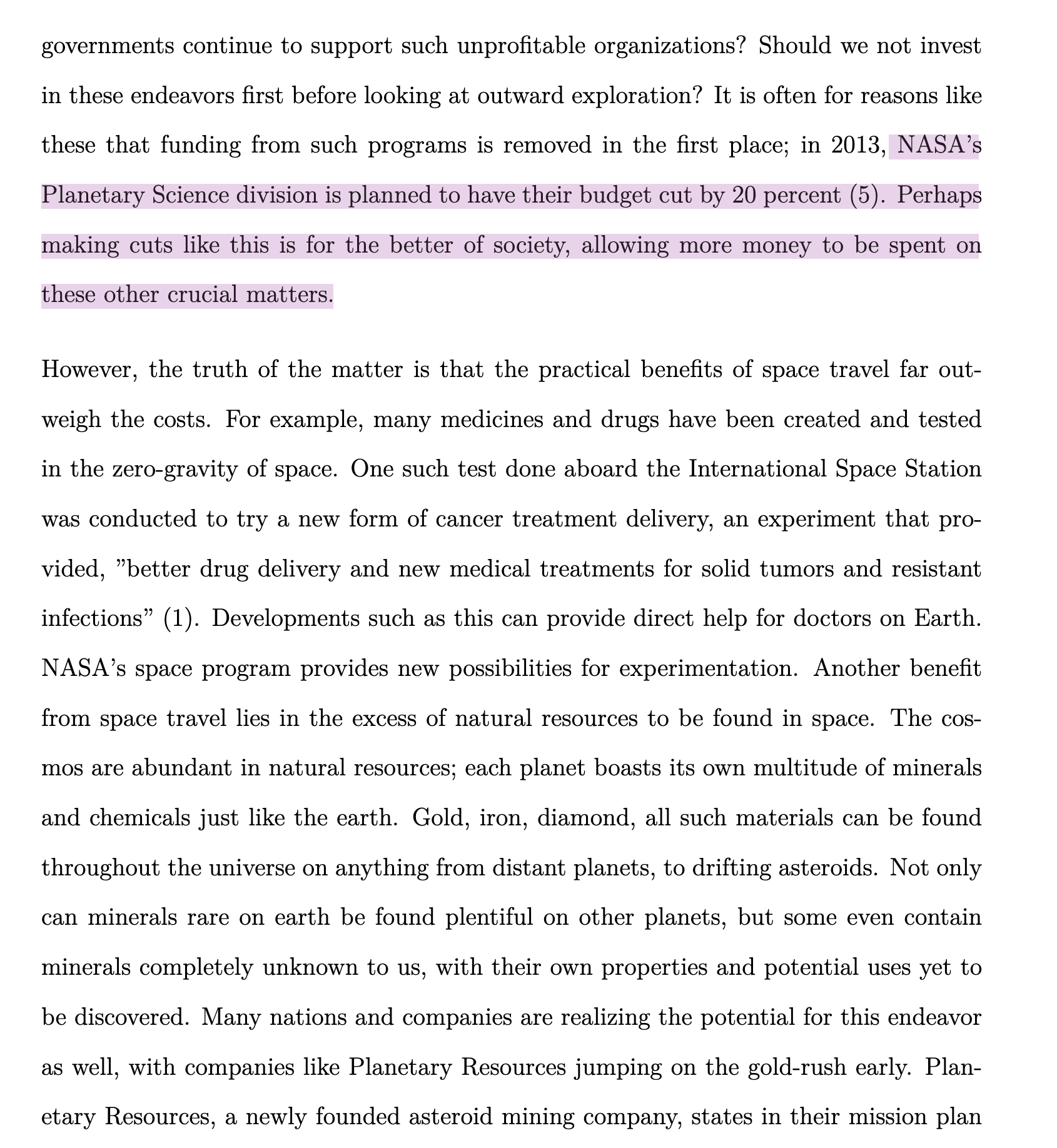
This PDF contains detailed information about NASA’s planetary budget reduction, including:
- Budget allocation changes
- Impact on various planetary missions
- Timeline of budget cuts
- Affected research programs
Once uploaded through the instructor portal, this document becomes part of the chatbot’s knowledge base for the class.
Step 2: Intelligent Question Processing
Asking AI normal questions:
Asking AI deeper questions:
Students can now ask specific questions about the NASA budget document. The chatbot:
- Searches through the uploaded document content
- Identifies relevant sections
- Provides accurate, contextual answers
- References specific parts of the document
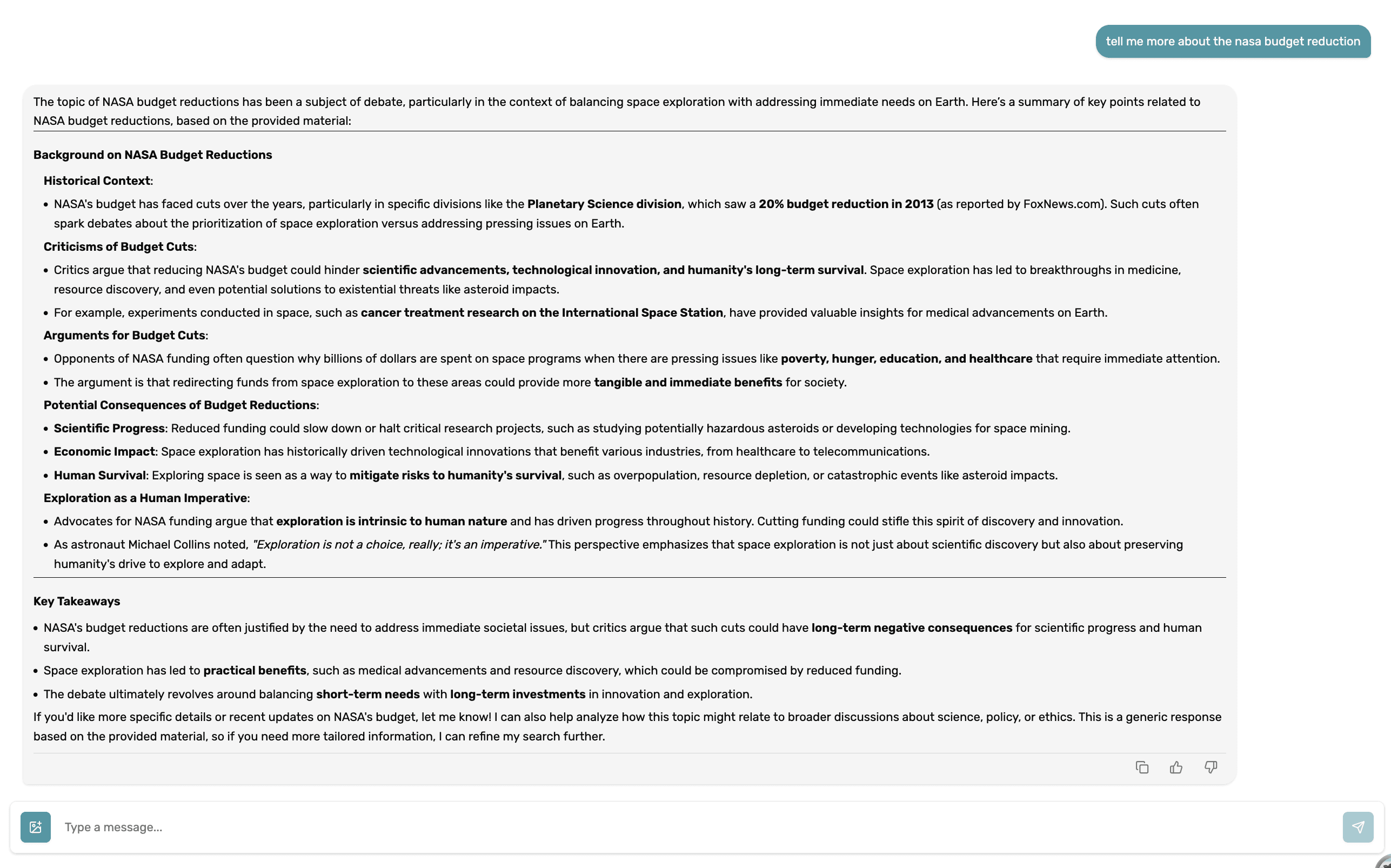
The chatbot demonstrates advanced context awareness by:
- Remembering previous questions in the conversation
- Understanding follow-up queries without needing full context repetition
- Maintaining conversation flow across multiple related questions
- Providing nuanced answers that build upon previous responses
Key Features Demonstrated
Document Intelligence
- Content Analysis: Automatically processes and indexes uploaded documents
- Semantic Search: Finds relevant information even when questions use different terminology
- Citation Support: References specific sections or pages from source documents
Conversational Context
- Memory Retention: Remembers what was discussed earlier in the conversation
- Follow-up Understanding: Interprets questions like “What about the Mars missions?” in context
- Progressive Disclosure: Provides increasingly detailed information as conversations develop
Educational Benefits
- 24/7 Availability: Students can get answers anytime
- Consistent Information: All students receive the same accurate information from source materials
- Reduced Instructor Load: Common questions are answered automatically
- Enhanced Learning: Students can explore topics through natural conversation
Getting Started
Instructors can begin using this feature by:
- Uploading Documents: Add PDFs, presentations, and other course materials
- Document Processing: Allow time for the system to analyze and index content
- Student Access: Students can immediately start asking questions about uploaded materials
- Monitoring Usage: Track how students are interacting with course content
The result is a more engaging, accessible, and efficient learning environment where course materials become interactive resources for student success.